
Recent days most of the small business and individuals started having their website using WordPress. Integrating Salesforce and Workpress has indeed great benefits, all just in one place which enables easy management of Users, Lead tracking and quickly convert into actions. The integration process steps are broken down below for easy understanding.
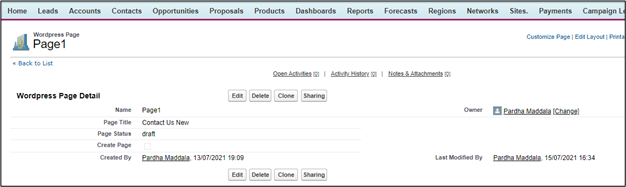
- Create WordPress page data in salesforce with Custom Object/Custom settings and relevant fields like Page Title(text) and Page Status(Picklist).
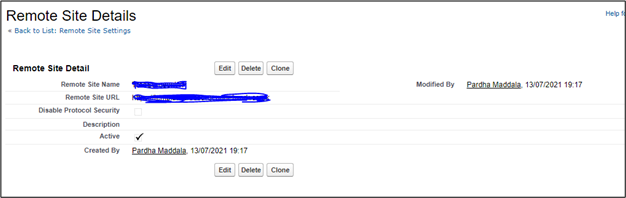
2. Add URL of your WordPress website in the Remote site settings of salesforce.
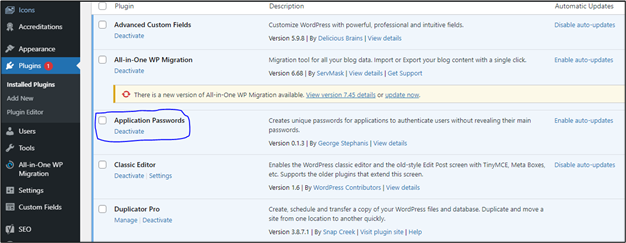
3. Login to WordPress -> Go to plugins section and Install ‘Application Passwords’ plugin.
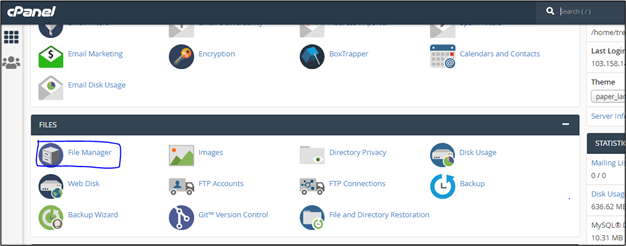
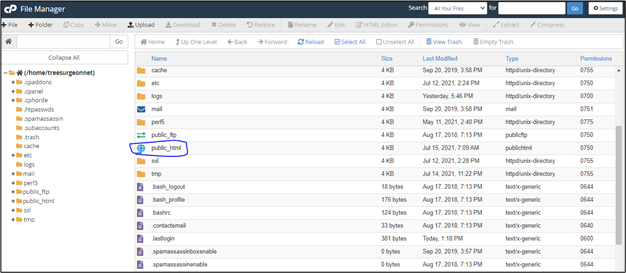
4. Login to cPanel account of your subdomain -> Go to File Manager
5. File Manager -> Click on public_html -> you can see the .htaccess file.
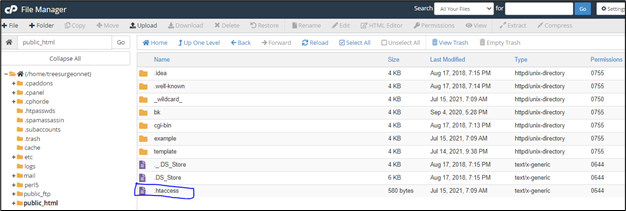
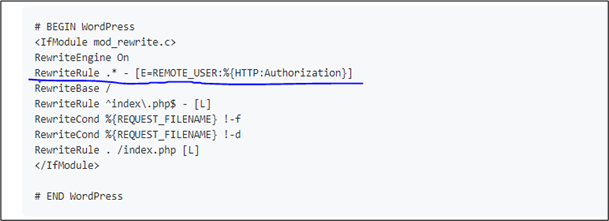
6. If .htaccess file already has some data add the below snippet to it. Else delete the existing .htaccess file and create new text file and the below code. Check this URL (https://github.com/WordPress/application-passwords/wiki/Basic-Authorization-Header—-Missing)
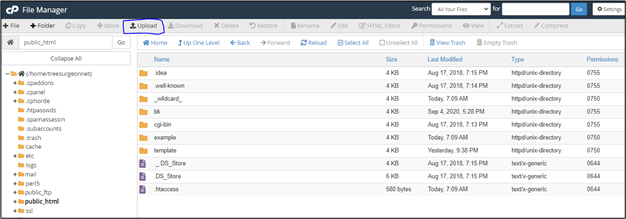
7. Once you create new .htaccess file, Upload the file.
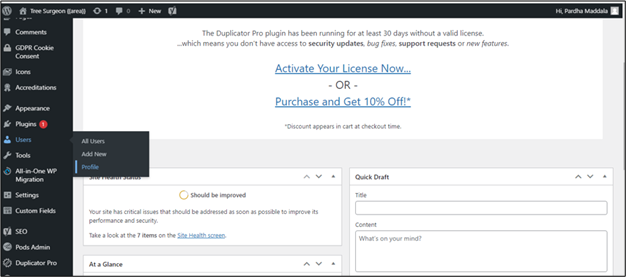
8. Go to WordPress and click Users -> Profile and add a New Application Password Name. That will automatically generate new Application Password and use this password in API callout.
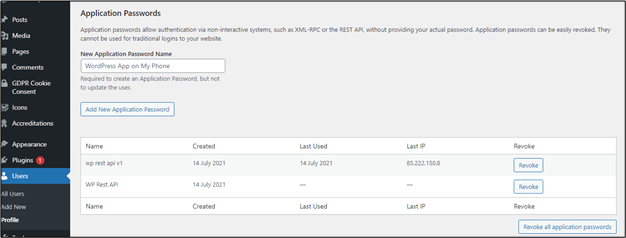
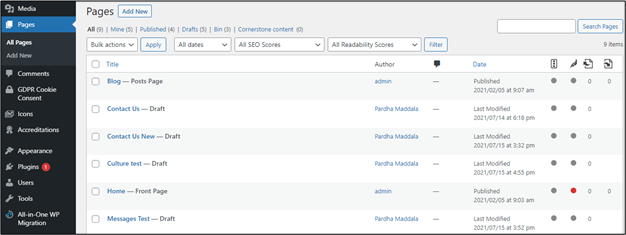
9. Form a JSON data for wordpress page with page title and page status values. Do a POST Api callout to create a page in WordPress.
Let us know if you’re struck with any challenges and we can extend helping hands.
– Written by Amol Gharat